 ShortIntel
The link is rejected
Copy the individual video link again. Do not use a profile, search, sound, LIVE, or collection URL.
Illustrated TikTok link guide
Follow the real browser screens below to copy one public post link, prepare the result, and find the downloaded video or cover on your device.
Open the downloader01
Open one public video, choose Share, then Copy link. On desktop you can also copy the full video URL from the address bar.
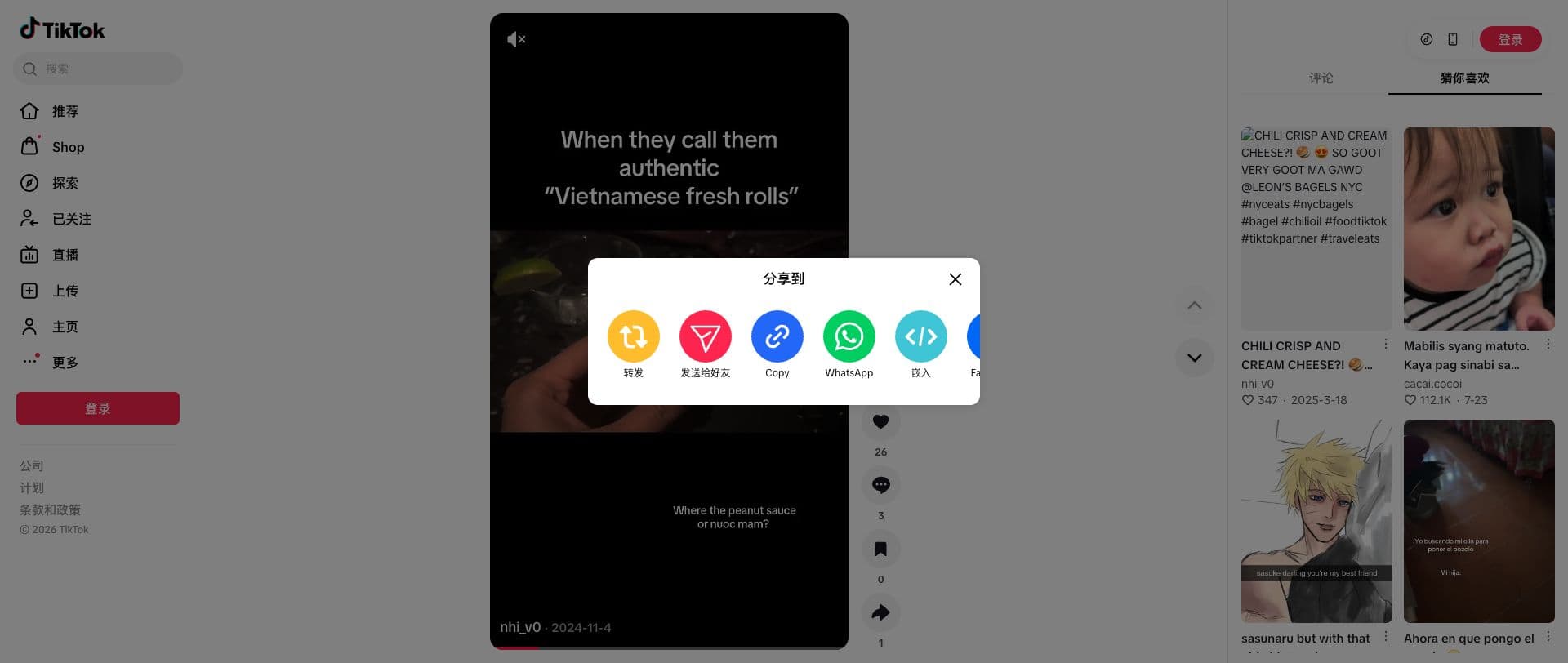
Real TikTok web interface captured in August 2026. Labels and layout can vary by device, language, account state, and app version.
02
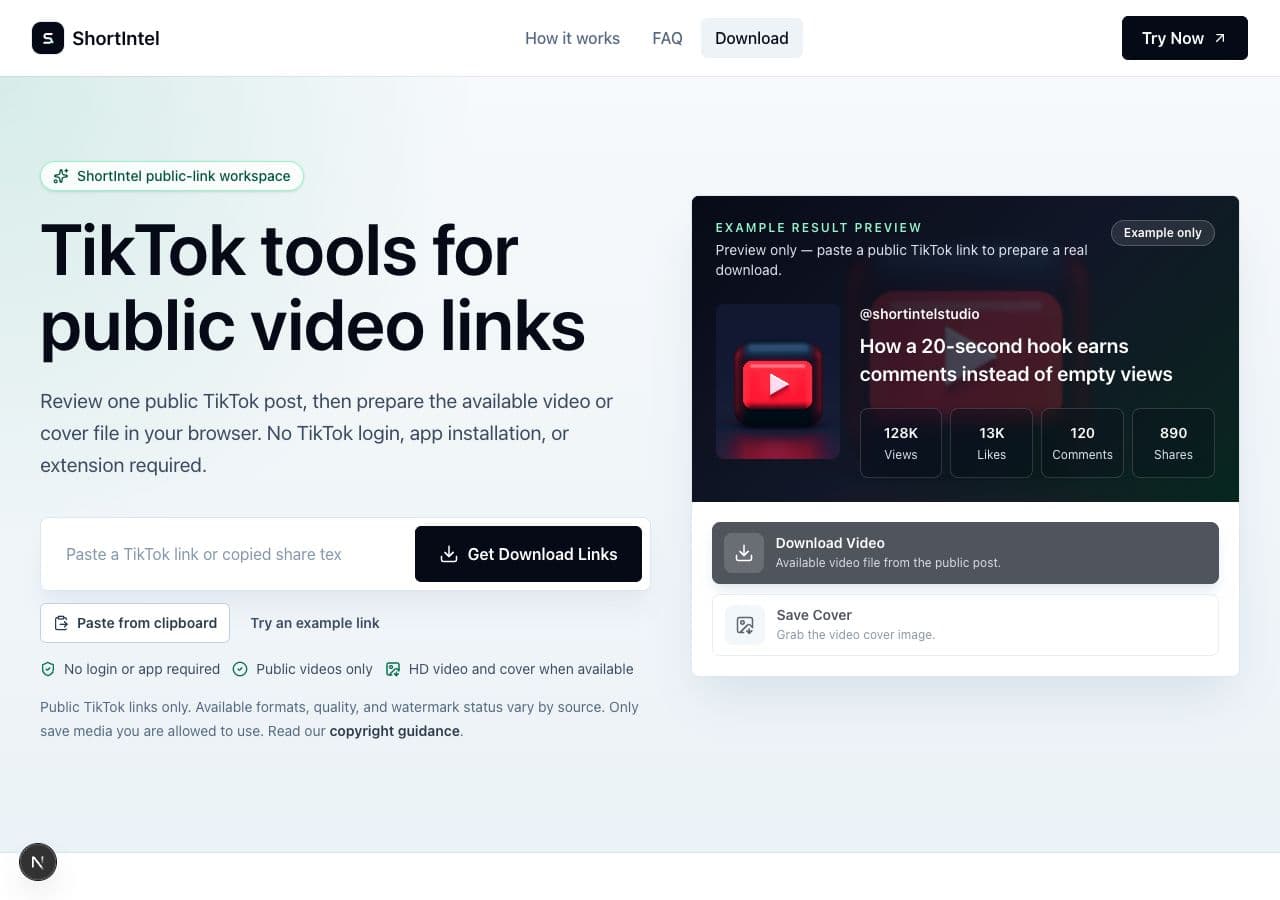
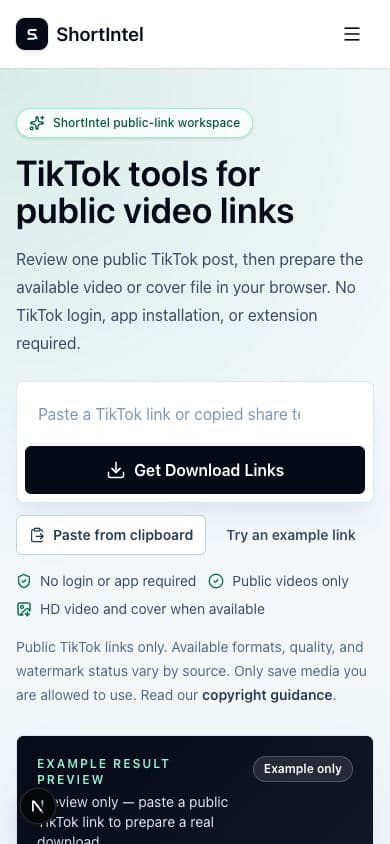
Paste the URL or complete TikTok share message, then choose Analyze Video while the public post and available files are prepared.
03
Confirm that the returned creator and post match your link, then choose Download Video or Save Cover. Your browser controls the final save location.
Troubleshooting by symptom
Copy the individual video link again. Do not use a profile, search, sound, LIVE, or collection URL.
Confirm it is still public. Private, deleted, login-only, age-gated, region-restricted, and source-blocked posts may be unavailable.
Analyze the public link again or use Refresh download link, then start the download promptly.
Use the download icon, media context menu, or Share > Save to Files instead of closing the preview.
Link guide FAQ
Open a public post, choose Share, then Copy link. Open ShortIntel in your browser and paste the URL or complete share message.
Yes, when the short link resolves to one public video. Profile, search, sound, LIVE, and collection pages are not supported.
The post may be private, deleted, region-restricted, login-only, or temporarily unavailable. Copy the individual public post link again and retry once.
Some browsers preview media. Use the browser download icon, media context menu, or Share > Save to Files.
No. File availability does not grant copyright or reuse rights.